Does .cursorignore protect your .env file? What Cursor actually blocks
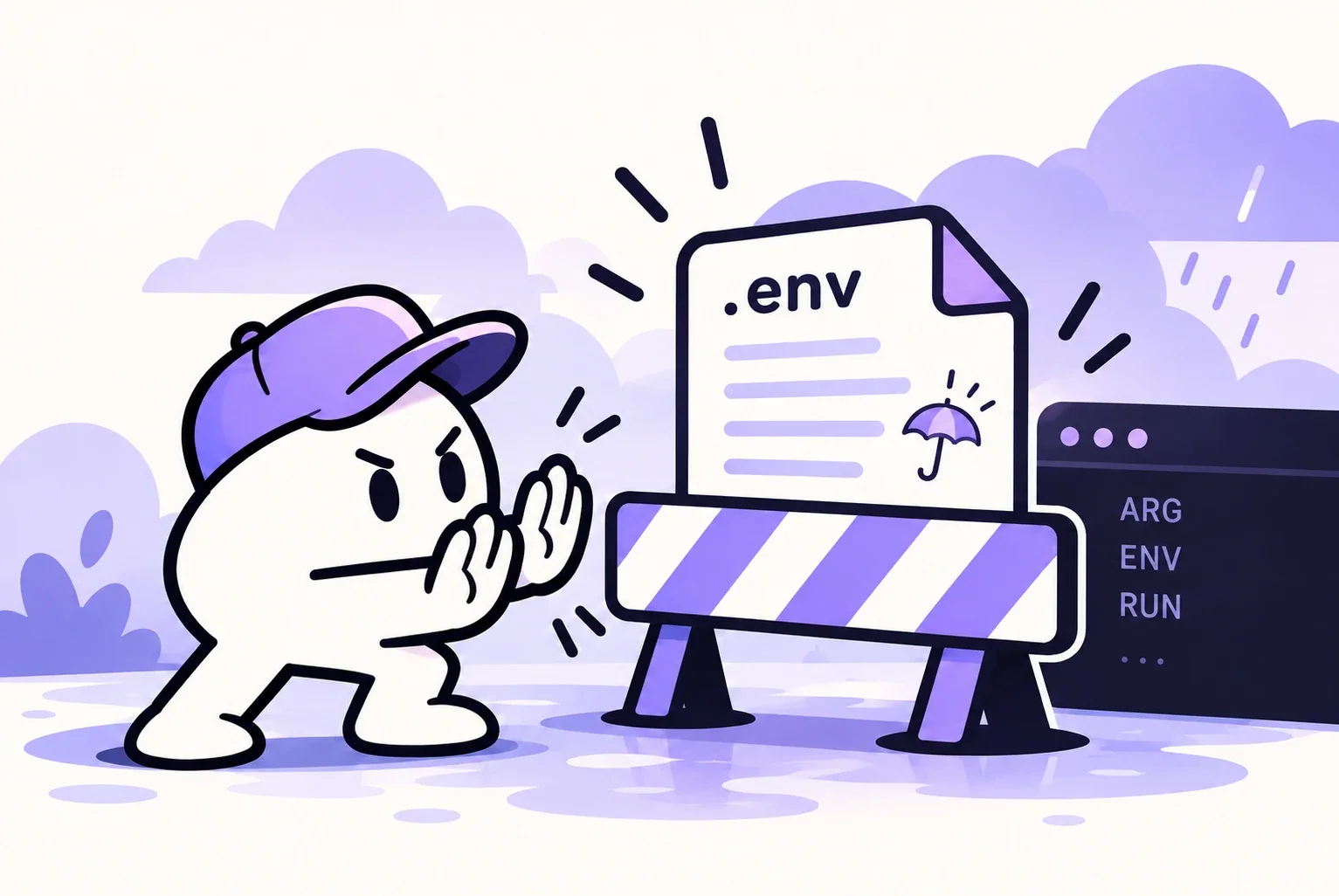
Partly. Cursor already skips .env* files by default, and a .cursorignore file keeps the paths you list away from Agent, Tab, Inline Edit and @ mentions. It does not cover the commands the agent runs in its terminal or through MCP tools, so a plain cat .env can still put your secrets in the conversation.
Below: what the ignore file does, the exact places where it stops, and a project setup where the agent has nothing valuable to read in the first place.
What .cursorignore blocks
The file sits at the root of your project and uses .gitignore pattern syntax. According to Cursor's reference page, anything it matches is kept out of:
- the code Agent can read when it answers or edits
- Tab completions
- Inline Edit
- files you reference with @ mentions in chat
For .env specifically, you may not need to write anything. Cursor stacks three sources of exclusions: the patterns already in your .gitignore, a built-in default list, and your own .cursorignore. The default list includes .env*, lock files, version control folders such as .git/, dependency folders such as node_modules/ and .venv/, binaries, archives and media files.
So in a typical project, Tab won't autocomplete from your .env and an @ mention won't attach it. That part works.
Where it stops: the terminal and MCP tools
The same documentation page has a sentence that changes the picture for secrets. It states that the terminal and MCP server tools used by Agent cannot block access to code governed by .cursorignore.
The ignore file decides what Cursor reads on its own to build context. It has no say over what a shell command reads. When the agent tries to debug a failing database connection, it might run any of these, and the output comes back into the chat as a normal tool result:
cat .env
printenv
env | grep -i key
node scripts/check-config.js   # if the script logs its config
An MCP server with file system access is in the same position: it reads files through its own code, not through Cursor's filter.
Cursor's docs also add a general caveat about the ignore file itself: even for the features it does cover, complete protection isn't guaranteed, which they put down to how unpredictable LLMs are. The useful mental model is that .cursorignore reduces accidental exposure. It is not an access control.
Run modes and the sandbox, for secrets
Whether a terminal command runs without asking you depends on the run mode. Cursor currently documents three:
| Run mode | Behaviour |
|---|---|
| Auto-review | allowlisted calls run; other shell commands are sandboxed when possible; the rest goes to a classifier model |
| Allowlist | only the actions you trusted run automatically |
| Run Everything | every call runs with no prompt; the docs frame it as accepting the risk |
Auto-review is the recommended mode, and its documentation is blunt about it: the classifier can make mistakes in both directions, and Auto-review is not a security boundary.
The sandbox deserves a careful read too. A sandboxed command can work inside your project but can't freely read protected files, write outside approved paths or reach arbitrary network hosts. The protected paths the docs list are things like .git/config, .git/hooks, .vscode, .cursorignore and Cursor's own sensitive config. Your .env is not on that list, so a sandboxed command running in the project folder can still open it.
Set a global ignore list once
Project files are easy to forget when you start a new repo. Cursor also has a global ignore list in its user settings that applies to every workspace. It is empty by default. The docs suggest patterns along these lines, and they are worth adding the day you install Cursor:
**/.env
**/.env.*
**/credentials.json
**/secrets.json
**/*.key
**/*.pem
**/id_rsa
The same patterns work in a project's .cursorignore. One syntax trap from the docs: a ! negation can't bring back a file if its parent directory was excluded with a wildcard like public/*. You have to exclude the nested directory explicitly before un-ignoring a file inside it.
Keep production secrets out of the project folder
An ignore file filters a folder that still contains the secret. The sturdier fix is a folder with nothing worth leaking.
- Use development credentials locally. Most providers separate test from live credentials. Stripe, for instance, has test-mode keys and restricted keys (prefix
rk_) whose permissions you choose resource by resource. A leaked test key scoped to one resource is a chore, not an incident. - Keep live keys in your hosting platform's environment settings. They are injected when the app runs in production, so live values never need to sit on your laptop.
- Store references instead of values. A secrets manager CLI can resolve pointers at runtime. With 1Password's CLI, the env file holds references such as
op://vault/item/field, andop runstarts your command in a subprocess where the real values exist only for the life of that process:
$ cat .env.refs
STRIPE_SECRET_KEY=op://dev/stripe/secret_key
$ op run --env-file=.env.refs -- npm run dev
If the agent prints .env.refs, it sees a path into your vault rather than a key. Keep in mind what follows from the design: if the CLI is already signed in within the terminal the agent uses, the agent can call op run as well. How much that matters depends on how, and for how long, the CLI stays authorized.
Commands worth reading before you approve them
Even with a clean folder, some commands deserve a pause before you click approve:
- anything that opens, prints or searches env files:
cat,head,lessorgrepon.env* printenv,envandexport -pdocker compose configanddocker inspect, which print resolved configuration, environment values included- deploy and hosting CLIs that list or download environment variables
If you use Auto-review, Cursor lets you write plain-English allow and block instructions in a permissions.json file. Adding "commands that print environment variables or read env files" to the block list is a reasonable extra layer, as long as you remember the classifier behind it is not a guarantee.
The same leak path exists outside the editor. A .env copied into a container image stays readable in its layers, which is covered in how secrets end up in Docker image layers.
If a key ends up in the chat
Once a secret appears in a conversation, it has been sent as part of a prompt. Deleting the chat afterwards doesn't take it back. Treat the key as exposed:
- Rotate it at the provider. Stripe's dashboard, for example, has a "Rotate key" action for this.
- Put the new value everywhere the old one was used, then redeploy.
- Look through the provider's logs for activity you don't recognise since the exposure.
- Make sure the old key is actually revoked, not just replaced in your config.
FAQ
Does Cursor read my .env file by default?
Cursor's built-in ignore list includes .env*, so Agent, Tab, Inline Edit and @ mentions skip those files even without a .cursorignore. Commands the agent runs in the terminal are a separate path, and no ignore file stops a cat .env there.
What is the difference between .gitignore and .cursorignore?
.gitignore tells Git what not to track, and Cursor honours it as well. .cursorignore only affects Cursor: it uses the same pattern syntax to exclude extra paths from AI features, including files you do commit.
Is .cursorignore enough to keep API keys safe?
No. Cursor's own documentation says complete protection isn't guaranteed and that terminal and MCP tools aren't covered. Pair it with test-only keys on your machine and a habit of reading any command that touches environment variables.
Sources
Keep reading
Docker secrets in image layers: why deleting .env doesn't remove it
How .env files, ARG and ENV values end up inside Docker image layers, the commands to find them in your own image, and the BuildKit and Compose fixes.
How to check your Supabase row level security like an attacker would
A four-step test for Supabase row level security: RLS on every table, no blanket policies, a request as a stranger, and rotating anything exposed.
Docker bypasses ufw: why published ports stay open, and how to close them
Why ports published with Docker ignore ufw and firewalld, how to see what is reachable from outside, and three fixes taken from Docker's own documentation.